
Effortless
App integrations
Keep all your apps perfectly in sync.
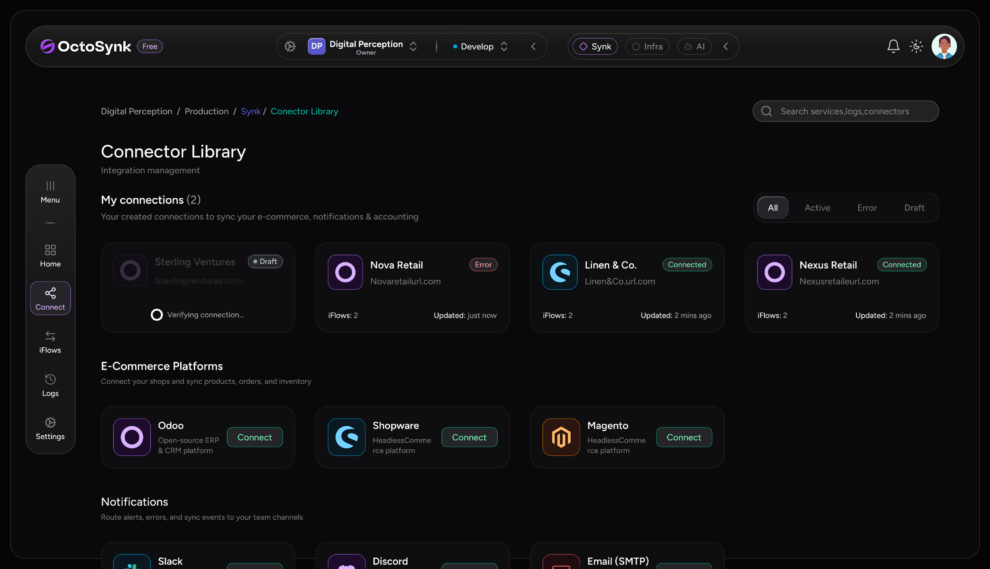
Start your automated
integration journey
Keep all your apps perfectly in sync.
Create organizations
Create an organization to manage your team, projects, and integrations in Octosynk.
Choose integration platforms
Select the source and destination platforms between which you want to sync data.



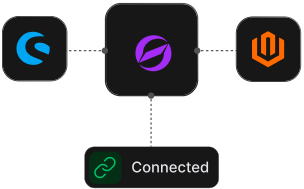
Authenticate & connect
Securely authenticate and connect your platforms to Octosynk in minutes.
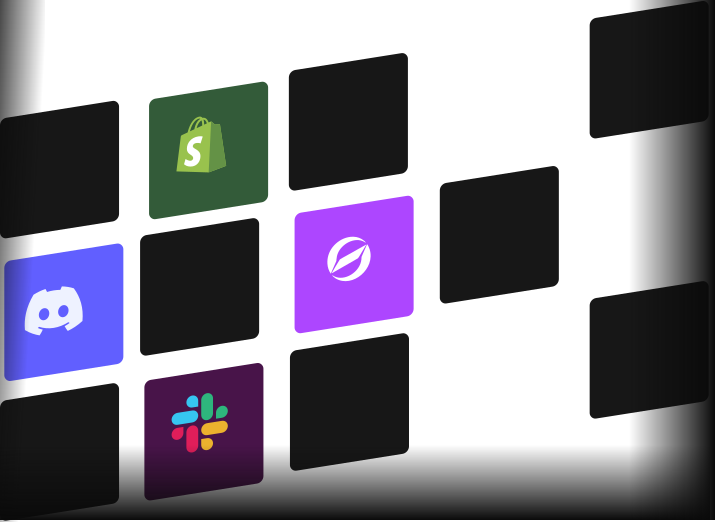
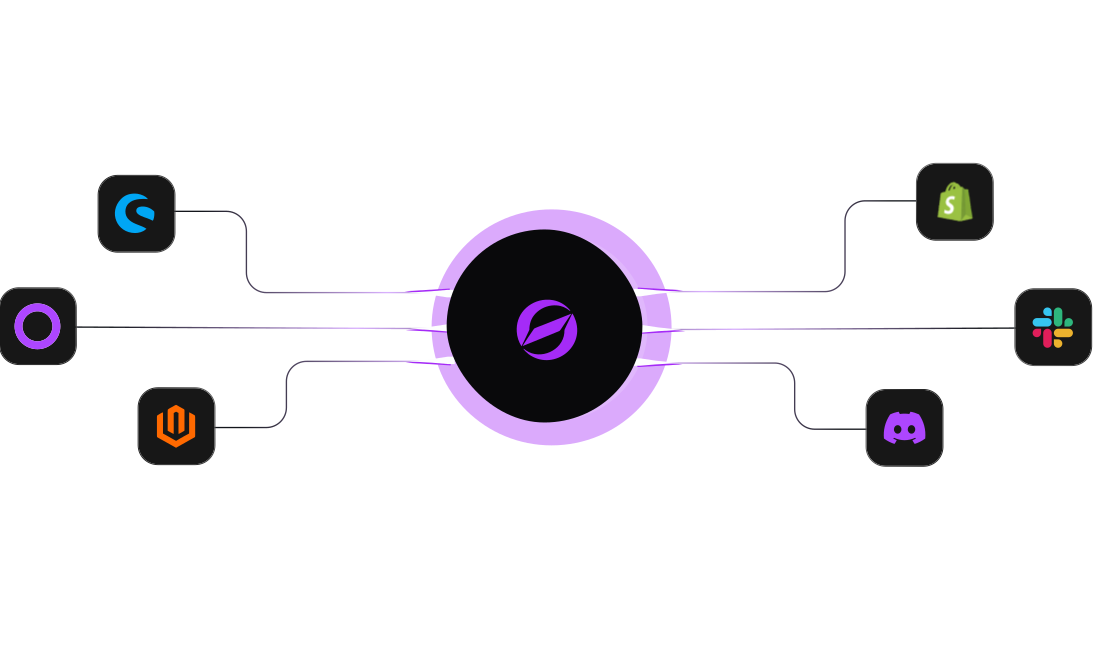
Automate data synchronization across
your e-commerce platforms and eliminate manual work with fast, reliable, and secure integrations.
Why use Octosynk?
Keep your systems connected with real-time data sync, fewer manual tasks, & seamless integrations.
On-time automation is an
investment, not a cost
Clear plans, honest numbers & service that pay for itself.
Starter
Get started with essential integration features at no cost.
€0 /month
Start free trialCustom includes
Ideal for Larger Teams
Enterprise
Built for large-scale operations with tailored solutions.
Coming soon
Coming soonCustom includes
Frequently asked
Questions
What is OctoSynk and how does it automate my workflows?
OctoSynk allows you to customize your integration by selecting specific data types, fields, and sync frequencies. Navigate to Settings > Custom Includes to choose exactly which records and attributes are included in your sync, giving you full control over the data flowing between your connected platforms.
OctoSynk integrates with various apps to streamline your tasks and reduce manual effort.
OctoSynk allows you to customize your integration by selecting specific data types, fields, and sync frequencies. Navigate to Settings > Custom Includes to choose exactly which records and attributes are included in your sync, giving you full control over the data flowing between your connected platforms.
With OctoSynk, you can create custom workflows tailored to your specific needs.
OctoSynk allows you to customize your integration by selecting specific data types, fields, and sync frequencies. Navigate to Settings > Custom Includes to choose exactly which records and attributes are included in your sync, giving you full control over the data flowing between your connected platforms.
The platform supports real-time collaboration, enhancing team productivity across projects.
OctoSynk allows you to customize your integration by selecting specific data types, fields, and sync frequencies. Navigate to Settings > Custom Includes to choose exactly which records and attributes are included in your sync, giving you full control over the data flowing between your connected platforms.
integrate the tools you
already use.
No credit card required · Cancel anytime